 divine
Finish Line / JD Exclusive Access Guide
Finishline/JD Exclusive Access Guide
Exclusive Access typically occurs on Monday, Tuesday, or Wednesday, and occasionally on Friday, usually within the week of an item's release date.
The cost of a drop is typically 1,000 points, 2,000 points though occasionally it may be free.
Drops occur at 9:00 AM EST, so it is recommended to log in at least 15 minutes early, by 8:45 AM, to avoid potential site issues.
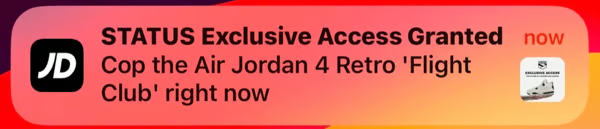
Step 1: Check For Access
Verify your account access here by:
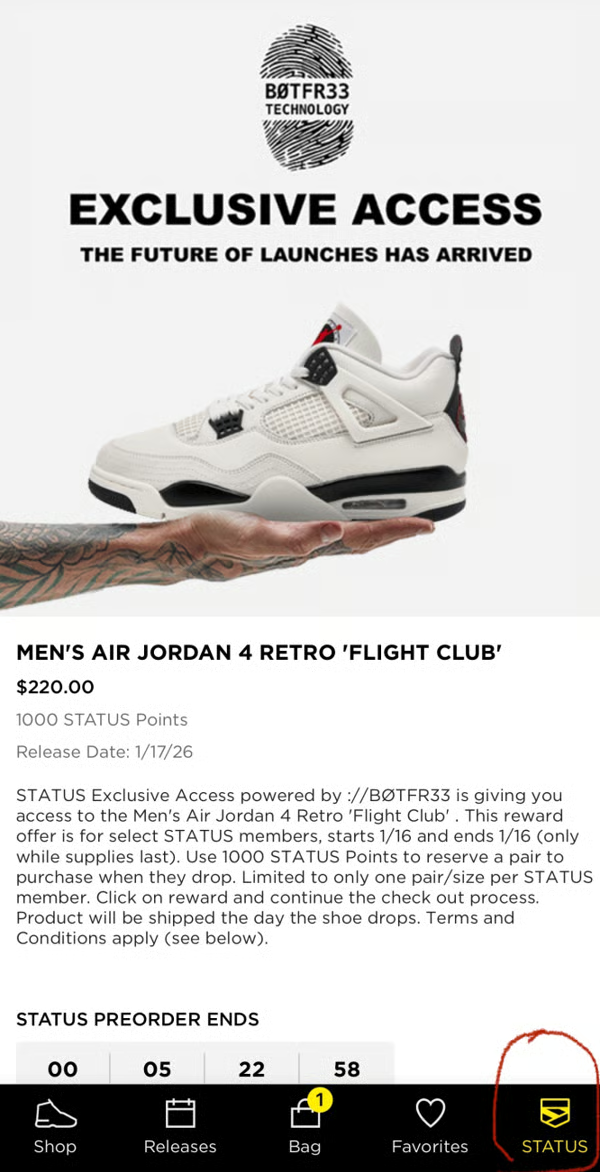
Step 2: Best Practices for Redeeming Access
- Use multiple devices and IP addresses – For example, a computer, phone,tablet on Wi-Fi and a phone on 5G/LTE networks. This provides two separate IPs and can improve success.
- Use a browser instead of the app when possible – The app is prone to bugs during Exclusive Access (EA), though running both simultaneously is recommended. You can also use an incognito browser if a regular browser is giving you issues.
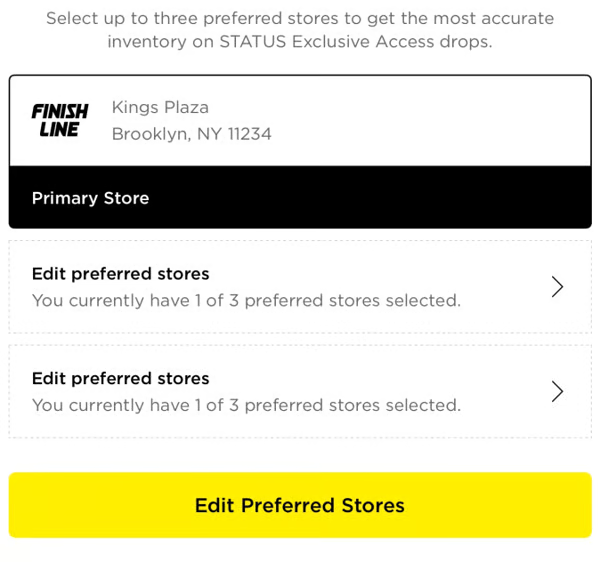
- Ensure your store preferences are up to date
Step 3: How to Set Your Stores
-
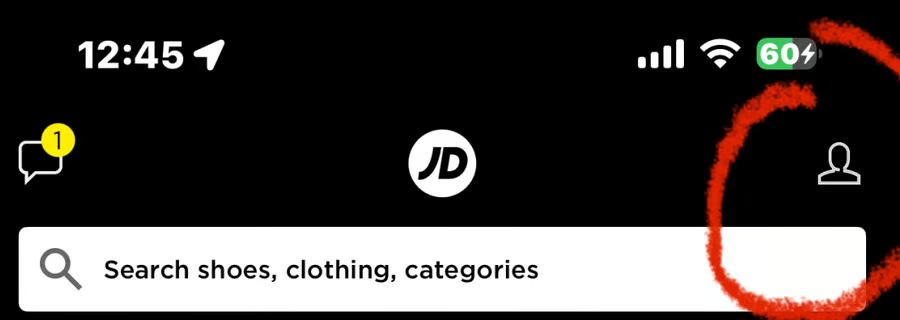
Click Account in the top right corner.
-
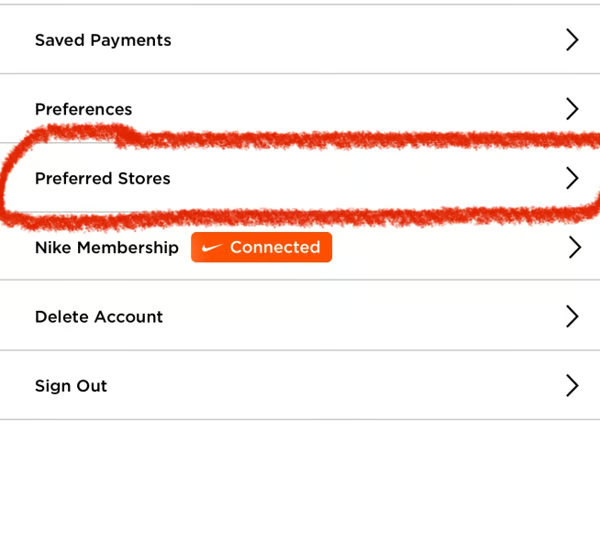
Select Profile → Preferred Stores.
-
Add stores that typically offer Early Access in your areas (Usually aim for the bigger stores)
Step 4: How to Apply Finishline/JD Sports Status Coupons for Ship to Me Access
How to Redeem Status Cash for a Preorder:
-
Activate Cashback Provider
-
Choose and activate your preferred cashback provider. FNL | JD SPORTS
-
Login
-
Access your account via desktop or mobile browser only (this does not apply to the app).
-
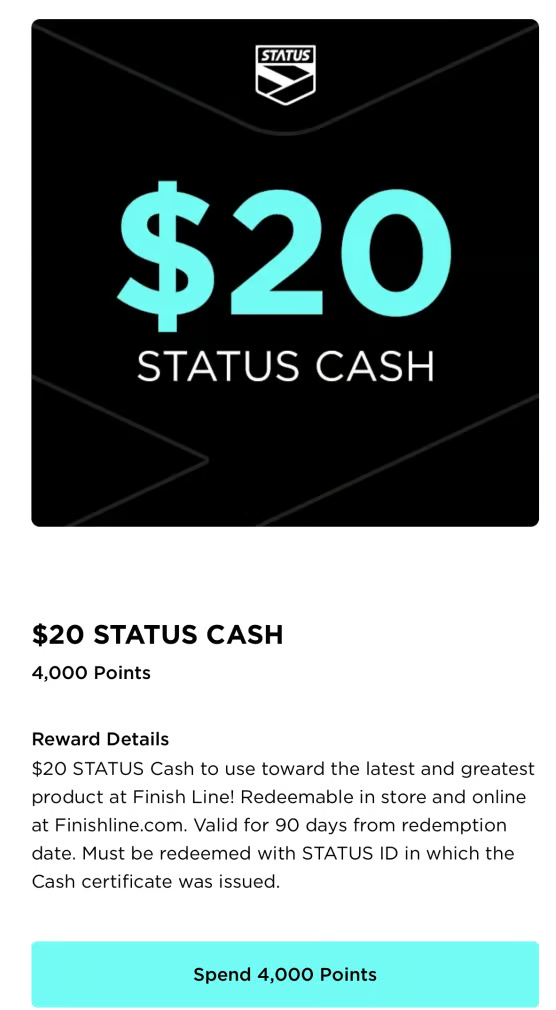
Redeem Status Cash
-
In the Rewards Shop, select the Status Cash you want to use.7. Select Your Item
-
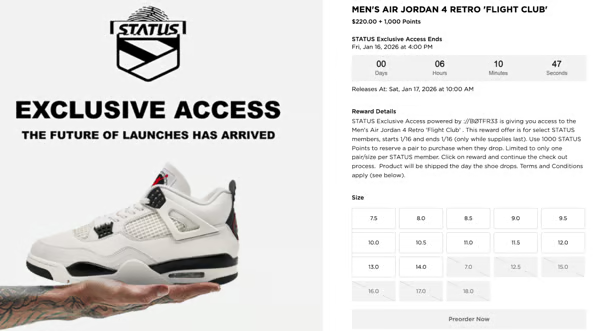
Click the Status icon and choose the shoe you want.
-
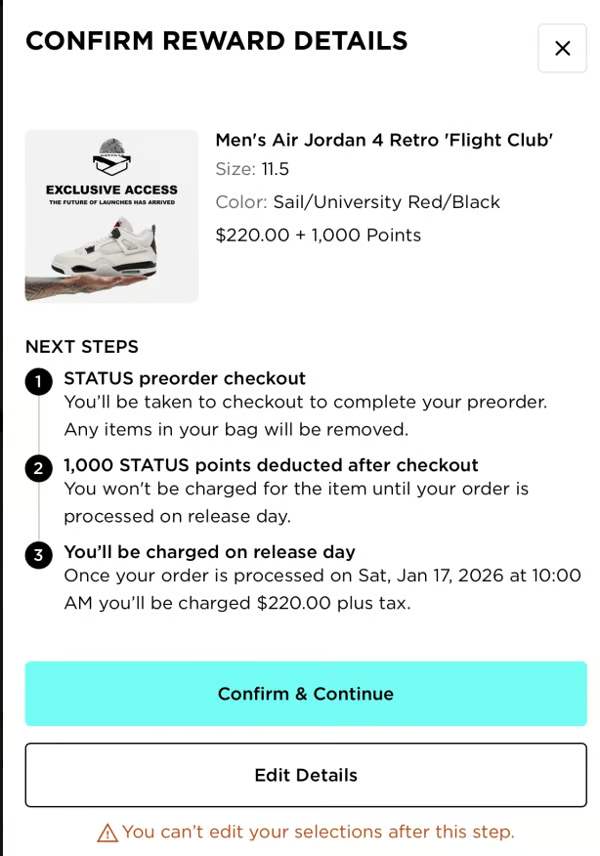
Select your size, then click Preorder Now.
-
Apply Status Cash
-
Click Confirm and Continue.
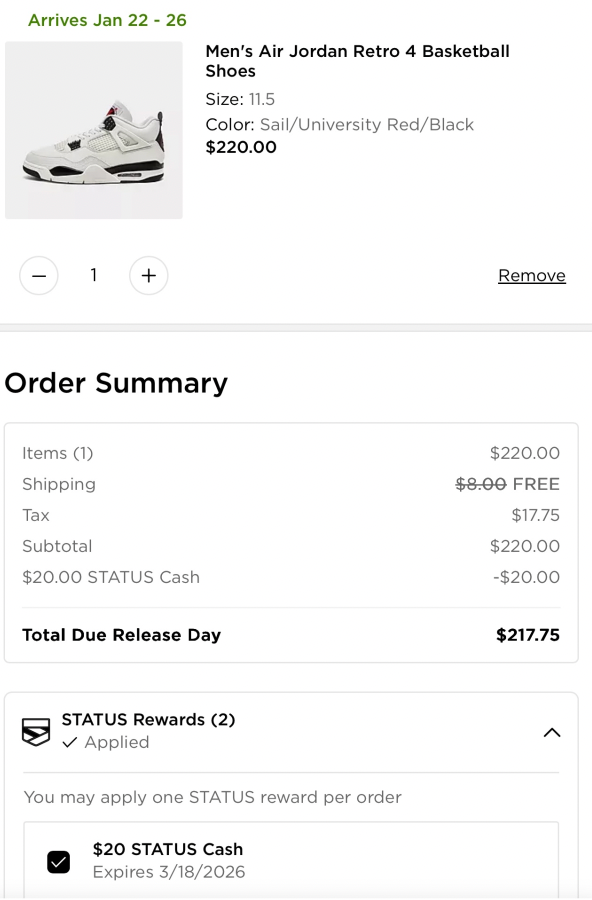
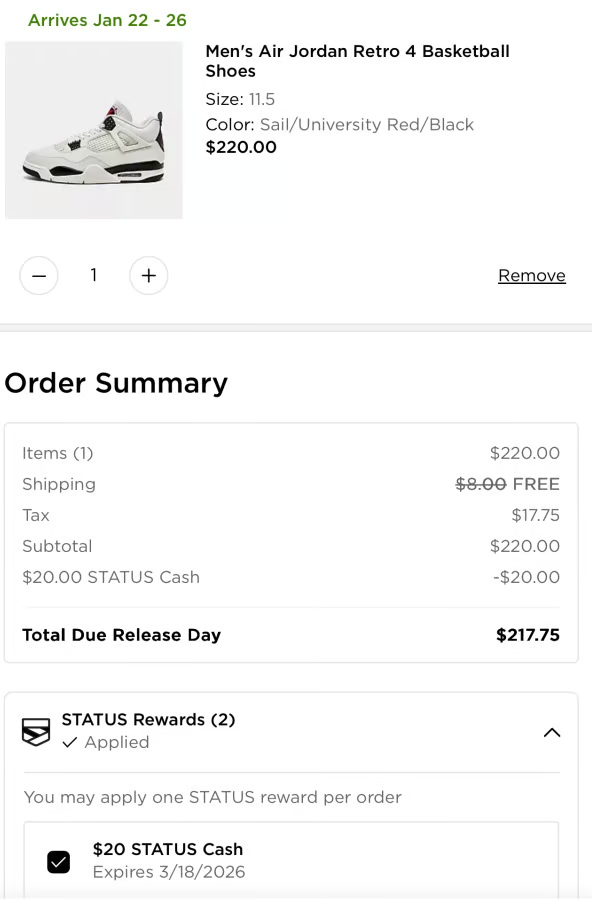
- Scroll down to Status Rewards and select the Status Cash to apply to your cart.
- Checkout
- Complete your purchase as usual.