 divine
Captcha 101
What Are CAPTCHAs?
CAPTCHAs are online security measures that help websites distinguish real human users from automated bots.
They analyze factors such as:
- Mouse movement and click patterns
- Timing between interactions
- IP reputation and proxy quality
- Browser behavior and trust level
These checks determine whether your activity appears “human enough” to continue.
Why CAPTCHA Solving Sometimes Fails
Common causes include:
- Low-quality or flagged proxies
- Too many active tasks (triggering spam detection) & browsers
- Low Gmail trust score
- Increased site protection during high traffic drop
hCaptcha Sites
Best Practice: Use harvesters — no Gmail login is required.
Setup Steps:
- Open one local (localhost) harvester.
- Open two to three proxy-based harvesters.
- Avoid solving too quickly; rapid completion may trigger flags.
- Please Note: Solving puzzles and drawing the box can be challenging on mobile devices. It requires a lot of practice, so don’t get discouraged if it takes time to get the hang of it.
hCaptcha Types:
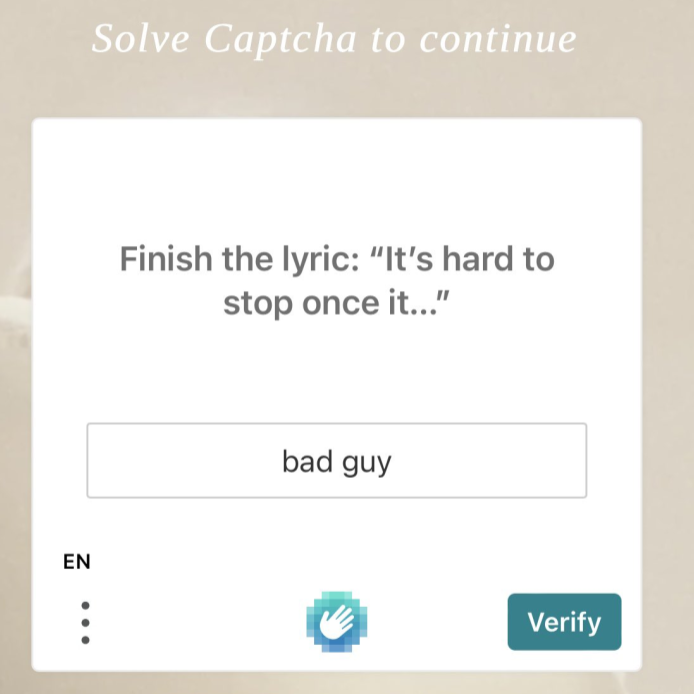
- Image Selection: Choose images that match the prompt.\
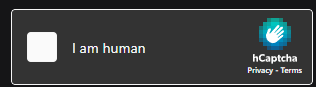
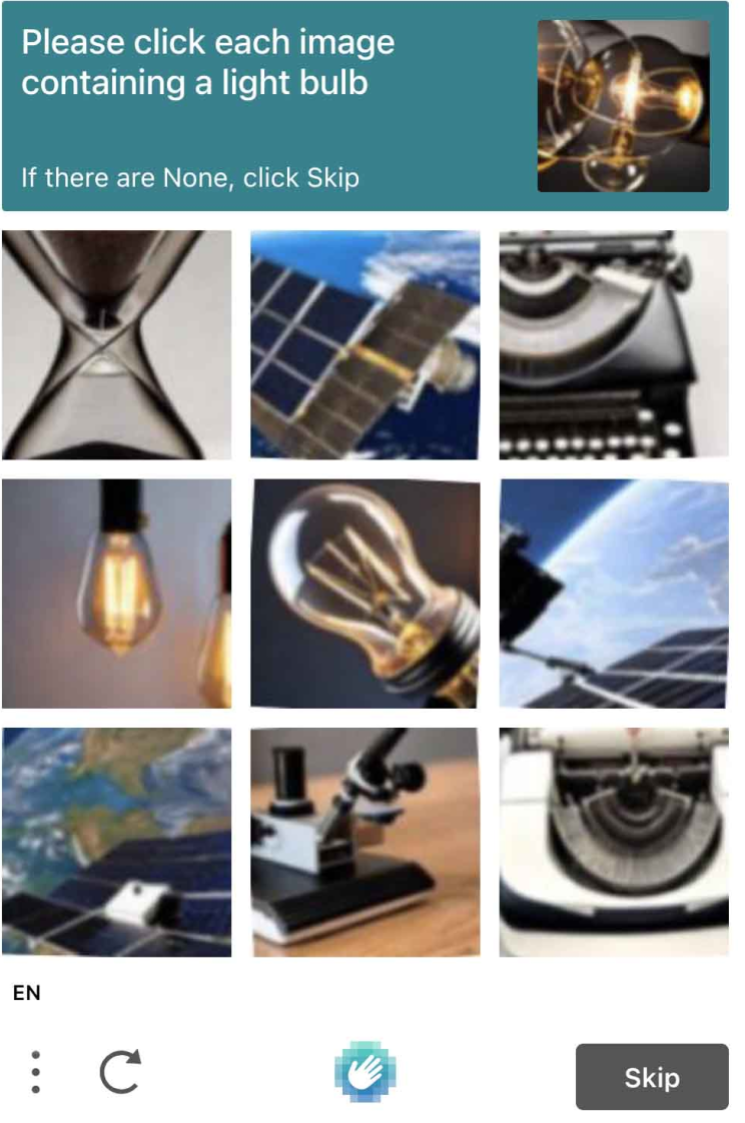
\
- Puzzle: Drag and fit the correct pieces into place.\
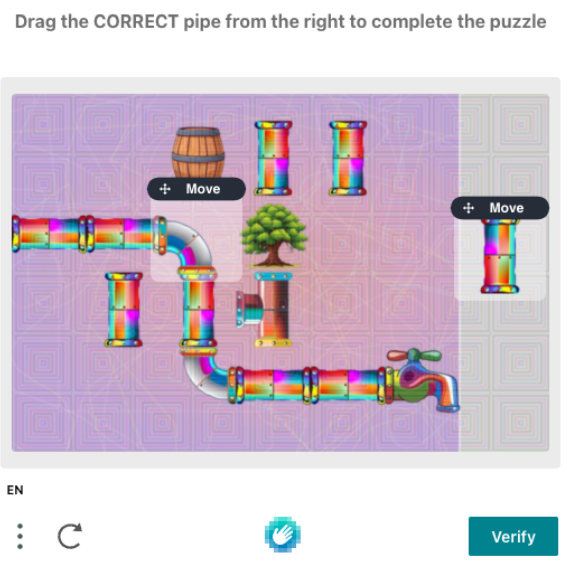
- Drawing: Draw a precise box around the object, leaving minimal empty space.\
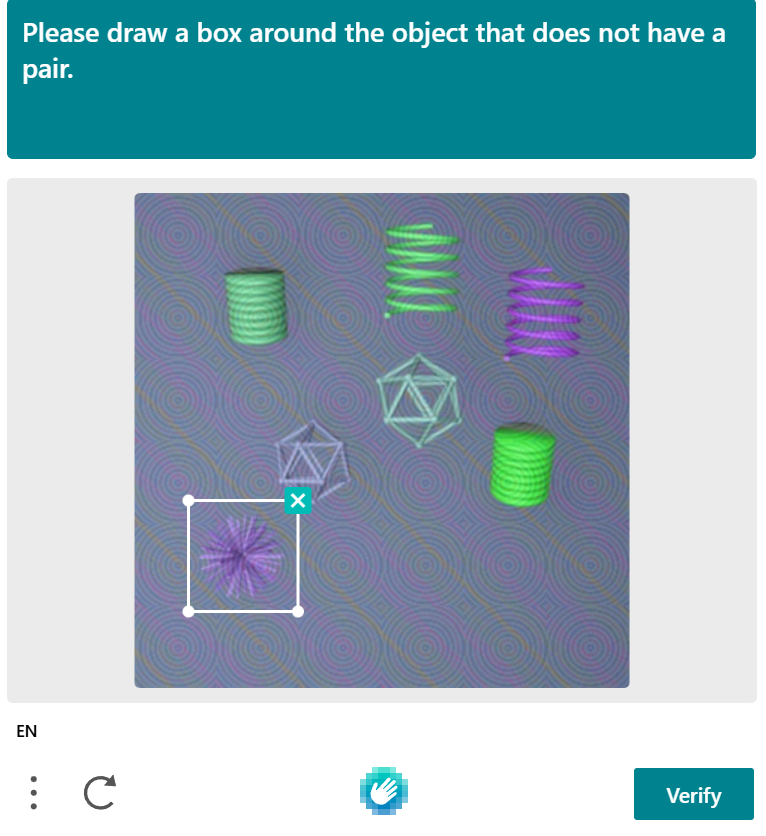
- Question Challenges: Sometimes you’ll get a question-based challenge, usually related to the product drop or the current date (month/day).For HCAP answers, please refer to the release guide/announcement.\
reCAPTCHA Sites
Using a Gmail login improves your trust score and solving success rate.
Bot Setup:
- Open the Captchas tab in your bot.
- Create and save harvesters.
- Log in to your Gmail accounts before drops.
Pro Tip: Before the drop starts, confirm that:
- All harvesters are active
- Proxies are performing correctly
- Logins are authenticated and stable
reCAPTCHA Types:
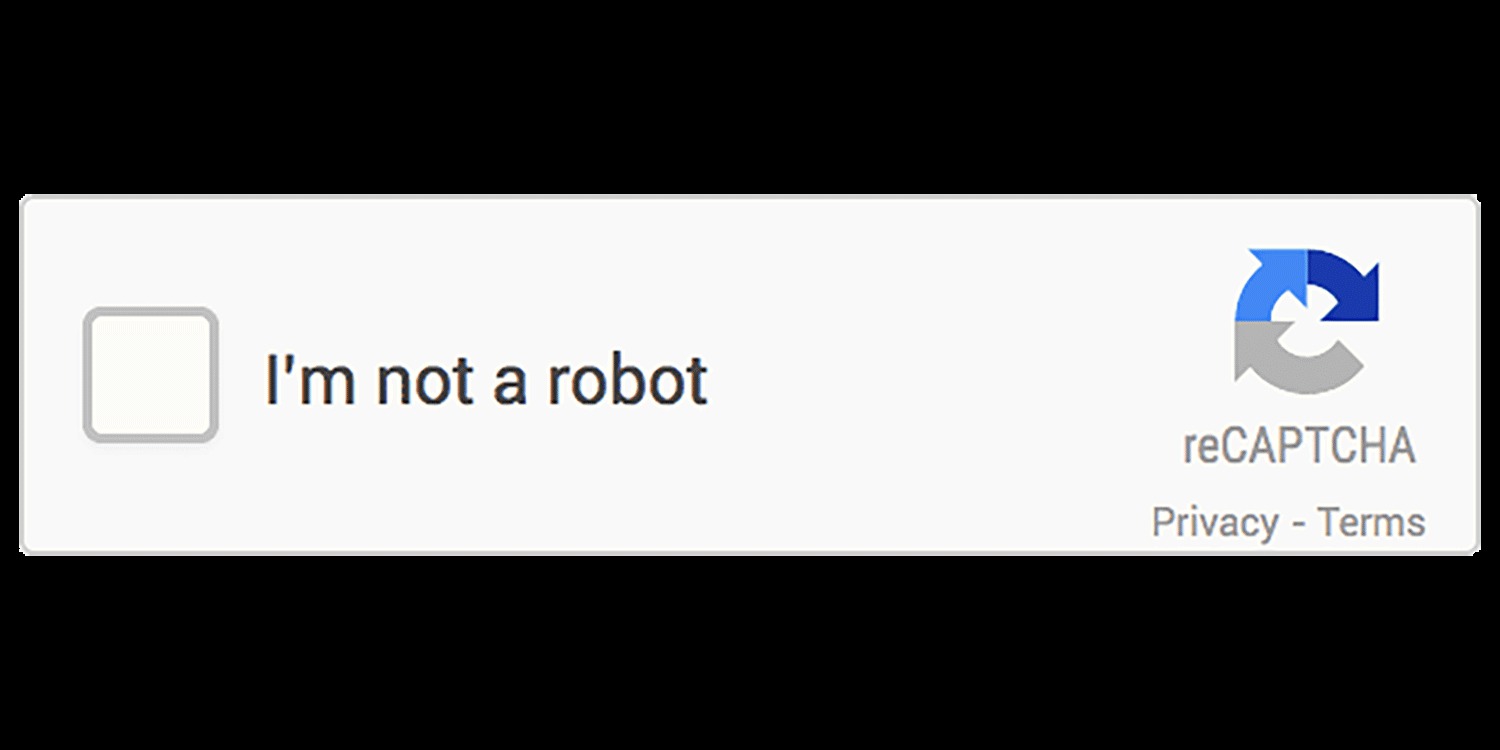
- Checkbox (“I’m not a robot”)\
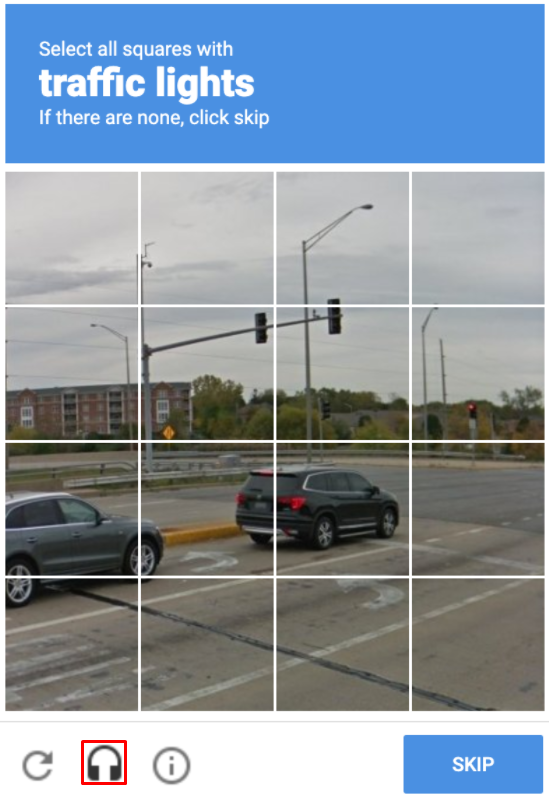
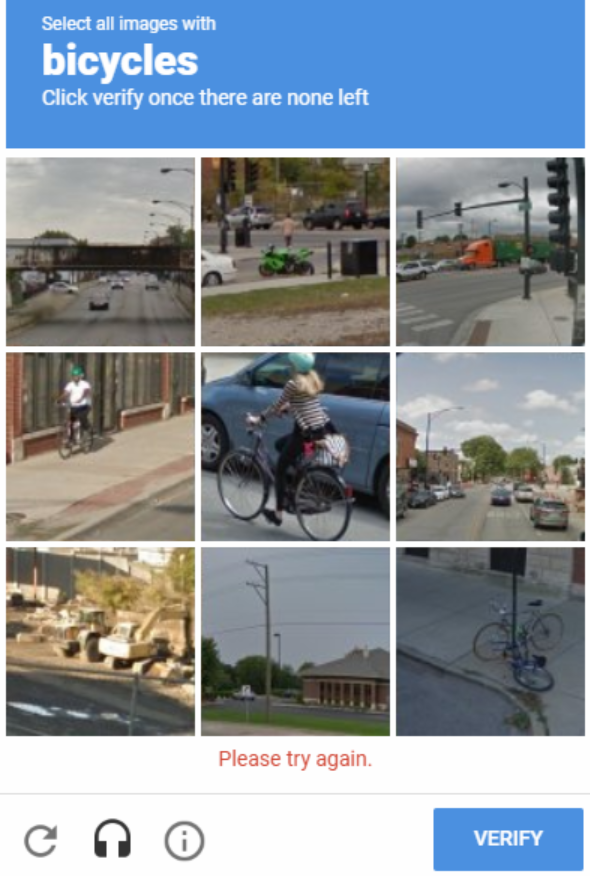
- Image selection (e.g., cars, bikes, traffic lights)\
- Invisible reCAPTCHA (runs silently in the background)
\
Steps to Practice hCAPTCHA:
- Visit the Demo Page: open the hCAPTCHA demo: hCAPTCHA Demo
- Tip: Always make sure your harvesters are active, proxies are working and logged in before the drop starts for maximum efficiency\
Botter Tips (High-Level, Safe)
- Fewer, cleaner tasks > 100 spam tasks
- Use aged GMails where possible
- Don’t reuse burned proxies
- Warm up browsers before drop day\
Expect captchas, plan for them, don’t panic\
Was this helpful?